PLAYER EXPERIENCE
From the first scan to the last putt.
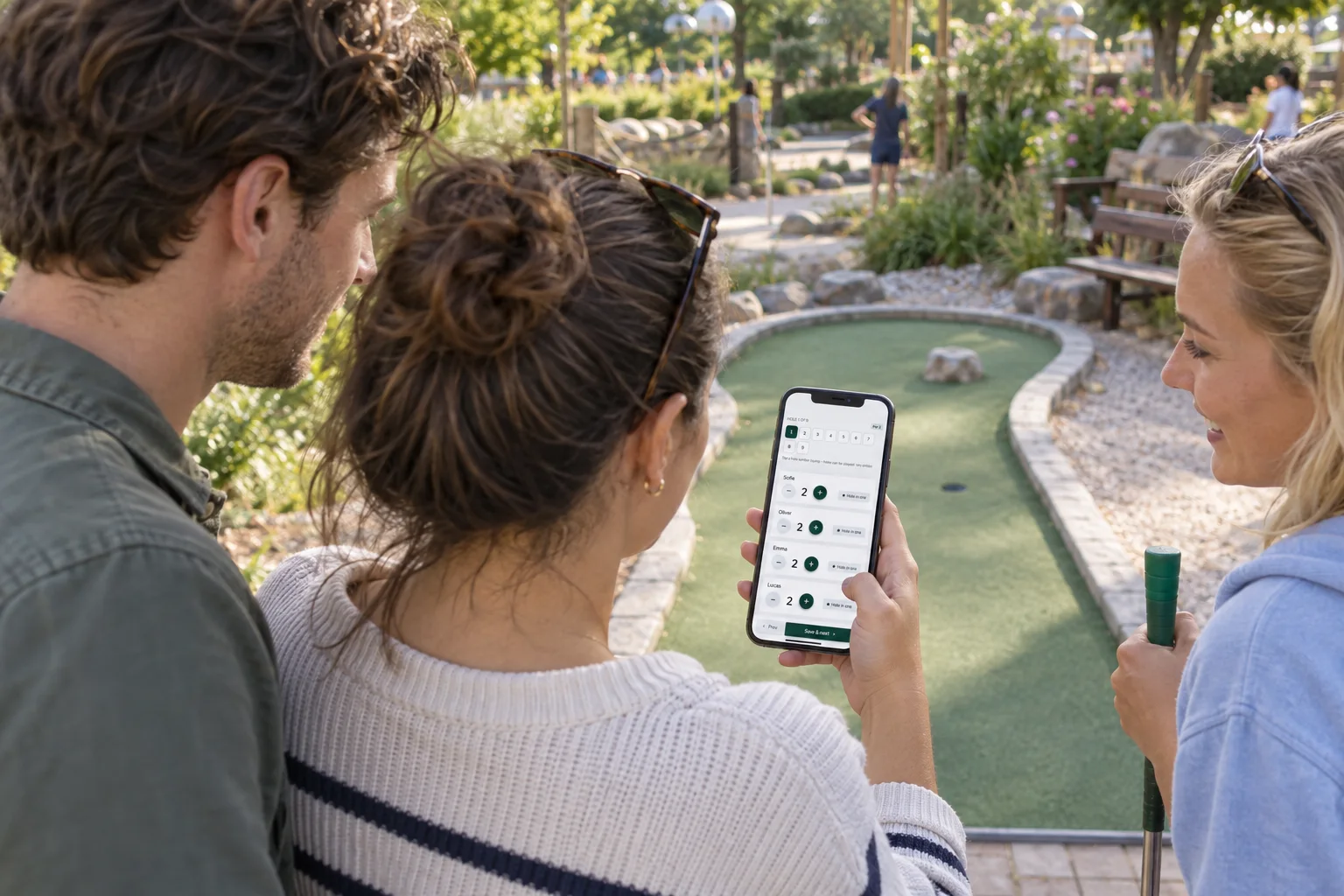
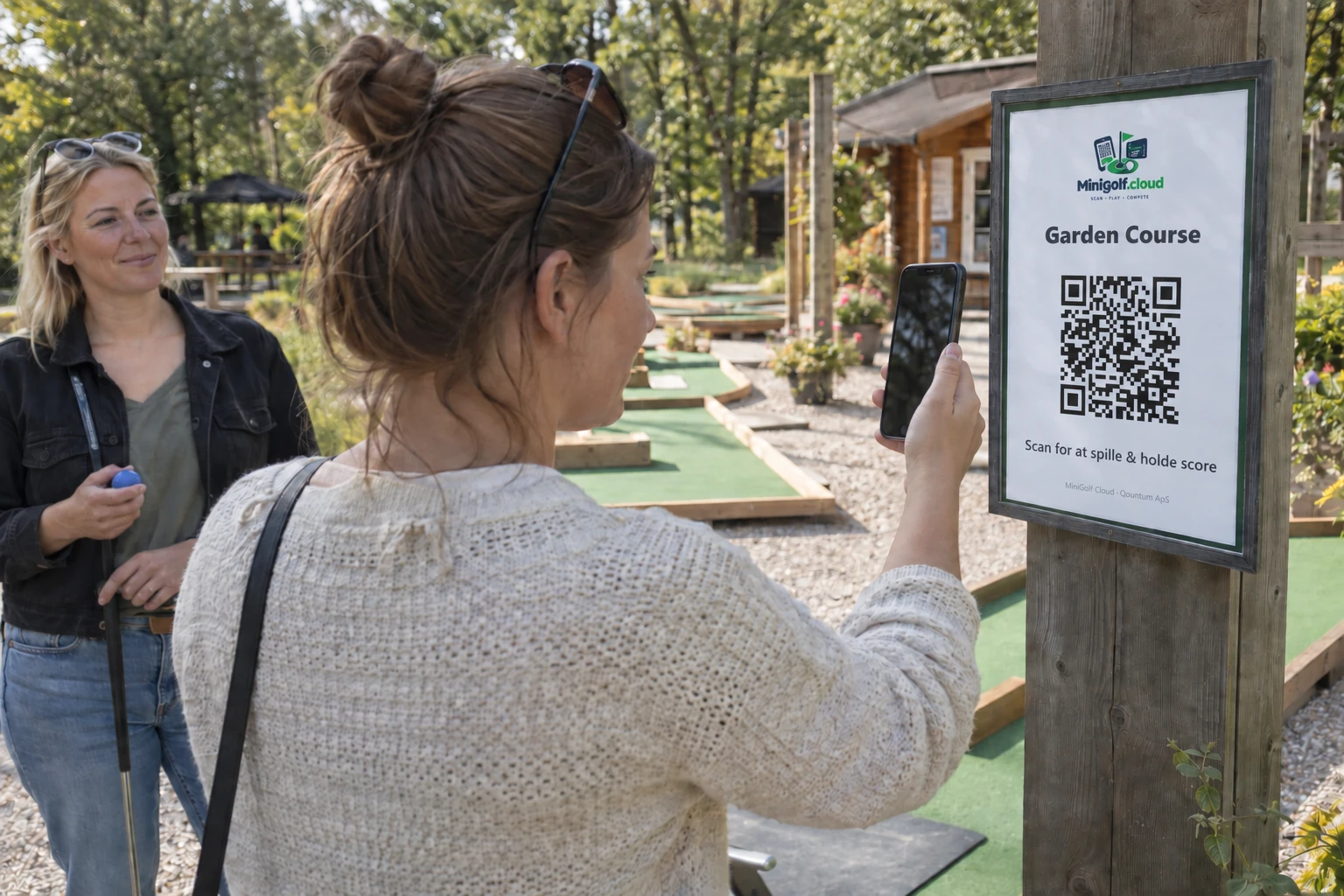
One scorecard for the whole group. Guests scan the QR code and keep score on their own phone.
- No app or player account
- Up to 12 players on one scorecard
- Language choice, your logo and your course
ONE ROUND, STEP BY STEP
Easy to start.
Easy to follow.
Scan at the course
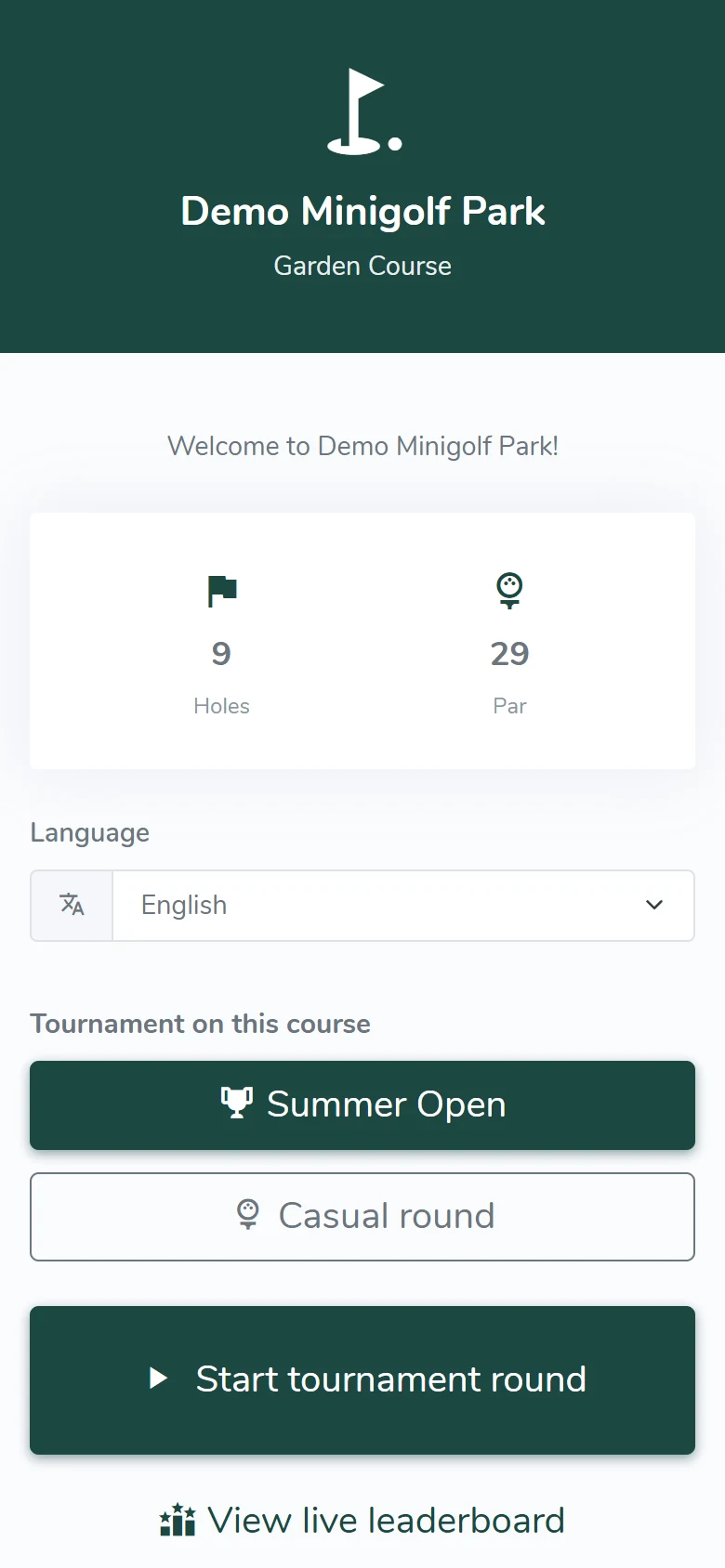
The QR code opens the course’s welcome page. Guests choose a language and start a new round.
Choose who is playing
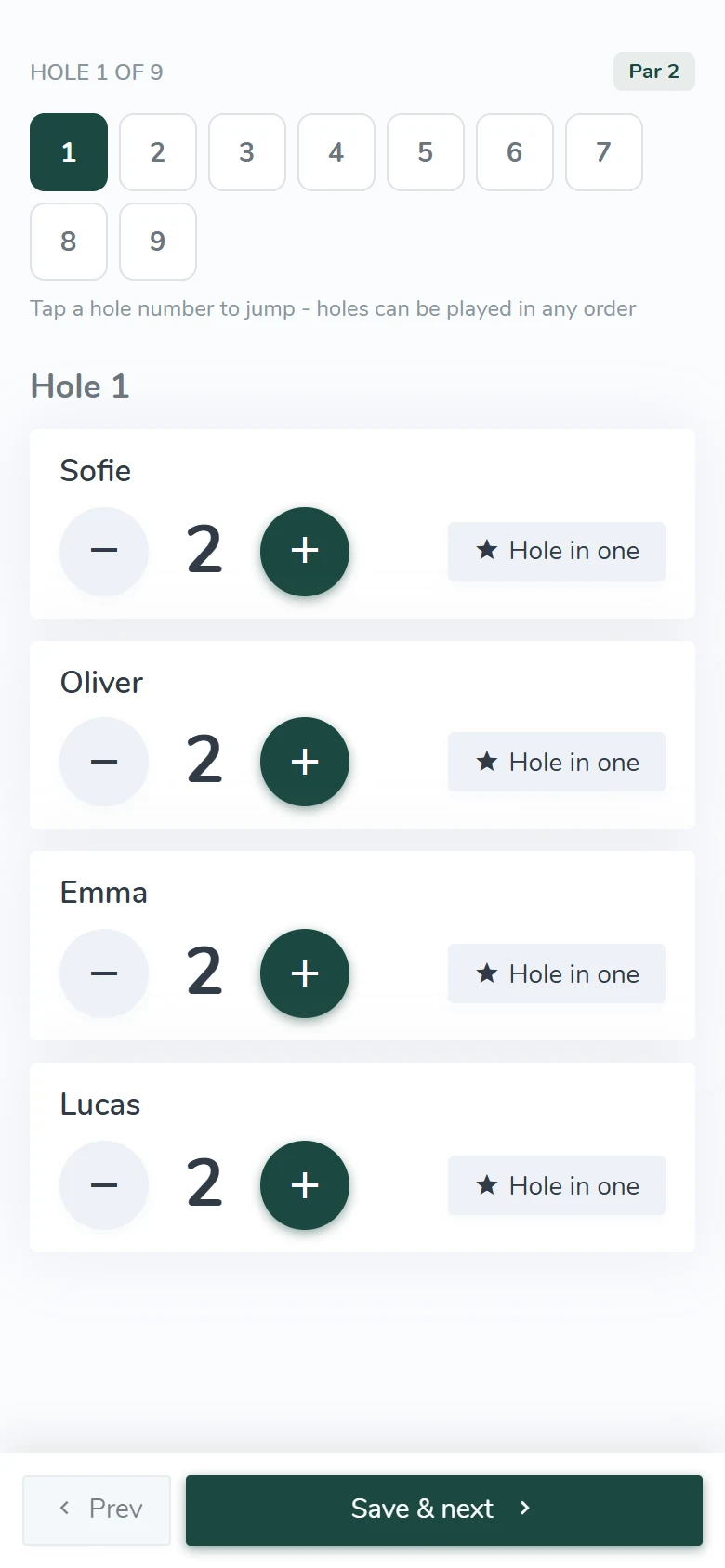
Enter the names and choose a casual round, individual competition, family or team play.
Record the strokes
Select the current hole, save the group’s strokes and see the scores during the round and after the last hole.
FROM ROUND TO RESULT
Guests play.
You keep track.
Rounds are collected in the admin automatically. Find a scorecard, follow activity and see the scores guests have recorded.
Players need an internet connection to use the scorecard.
See the scorecard archive →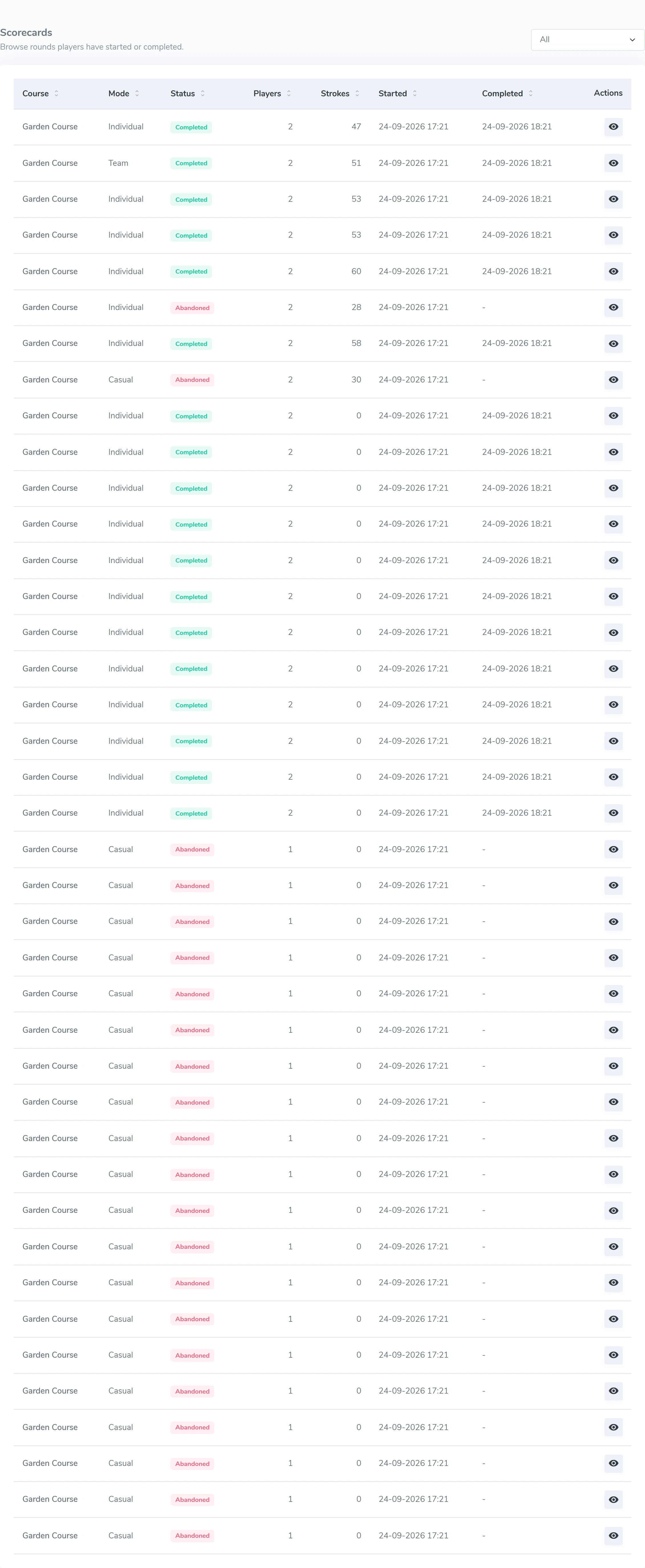
HOW IT WORKS
From QR code to the first putt.
A QR code opens your course’s welcome page. No account, and no app to download first.
Try a scorecard
Scan the QR code
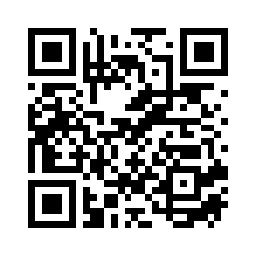
Play a round on the demo course.
Choose a language, create a group with sample names and see how strokes are recorded. The demo opens in a new tab.
Open the player demo →No app or player account
MINIGOLF CLOUD
Try it free for 7 days
Create an account and confirm your email. Try your own course for 7 days without a payment card. Choose a plan and pay afterwards.
After the trial, access to your course pauses until payment is confirmed. Your setup is kept.