COURSE TYPES
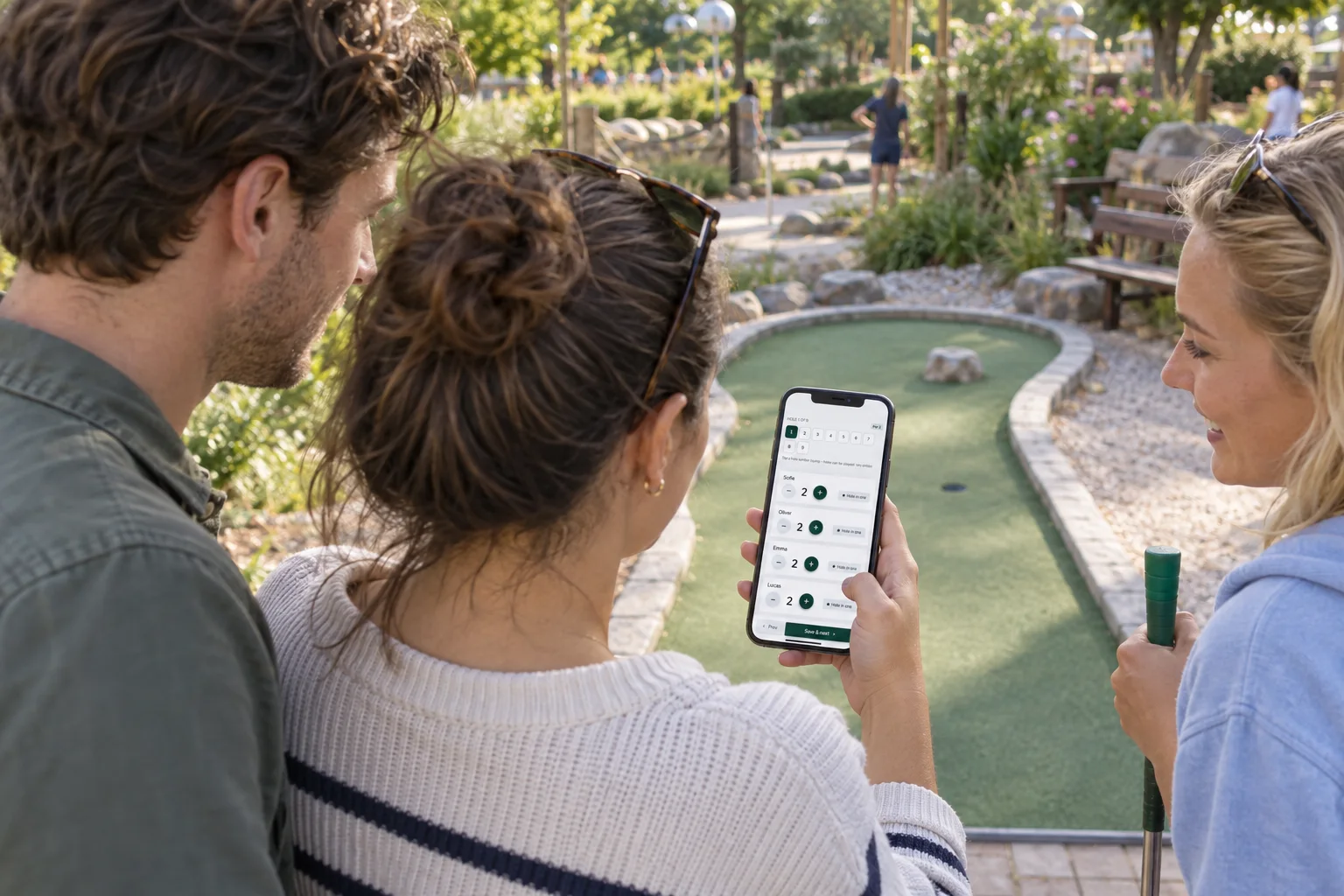
The scorecard follows your course.
You set up the holes yourself, so the system fits a classic miniature golf course as well as themed courses with obstacles and lighting.
Classic mini golf
Create holes with number, name, par and maximum strokes so the scorecard follows your rules.
Adventure and crazy golf
Describe each hole and its difficulty, and put up QR codes at the course or at individual holes.
Indoor, glow and blacklight courses
The scorecard runs in the phone’s browser. Make sure there is Wi-Fi or mobile coverage in the building, because the scorecard needs an internet connection.
Several courses at one venue
Create several courses at the same location. How many can be active depends on your plan.
Clubs and leagues
Combine the season’s tournaments into a league and give players a public league leaderboard to follow.
Courses and holes
Holes can be played in any order.
Players tap a hole number and jump straight to the hole they are playing. That suits courses where groups do not always follow the same route.
See course and hole setup →