
MINIGOLF CLOUD
Digital scorecards for mini golf.
A clear overview for you.
Guests keep score on their phones. You follow the rounds, find scorecards and prepare the next event in the admin.
- No app for guests
- No player accounts
- Your own logo
HOW IT WORKS
From QR code to the first putt.
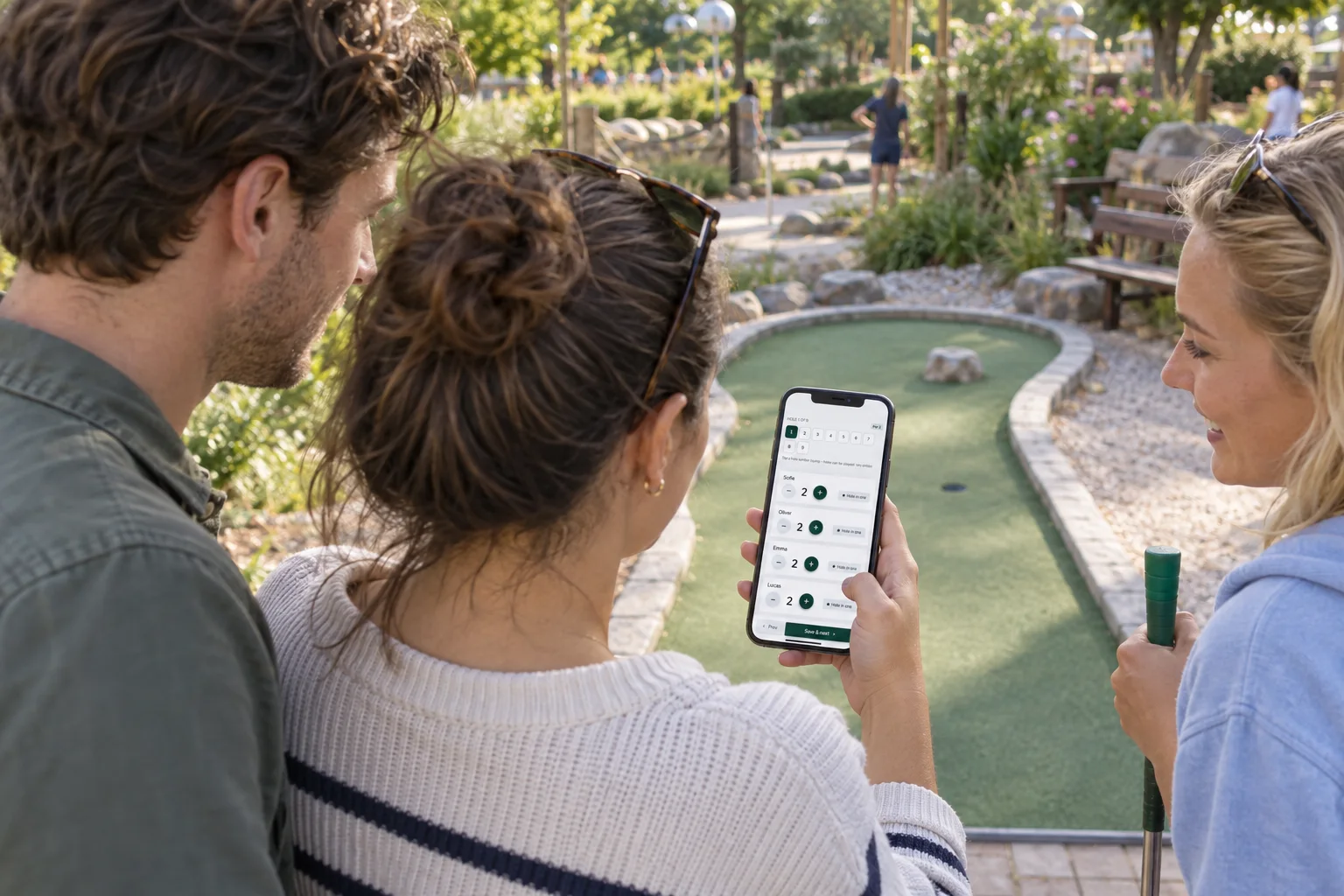
Guests use the phone already in their pocket.
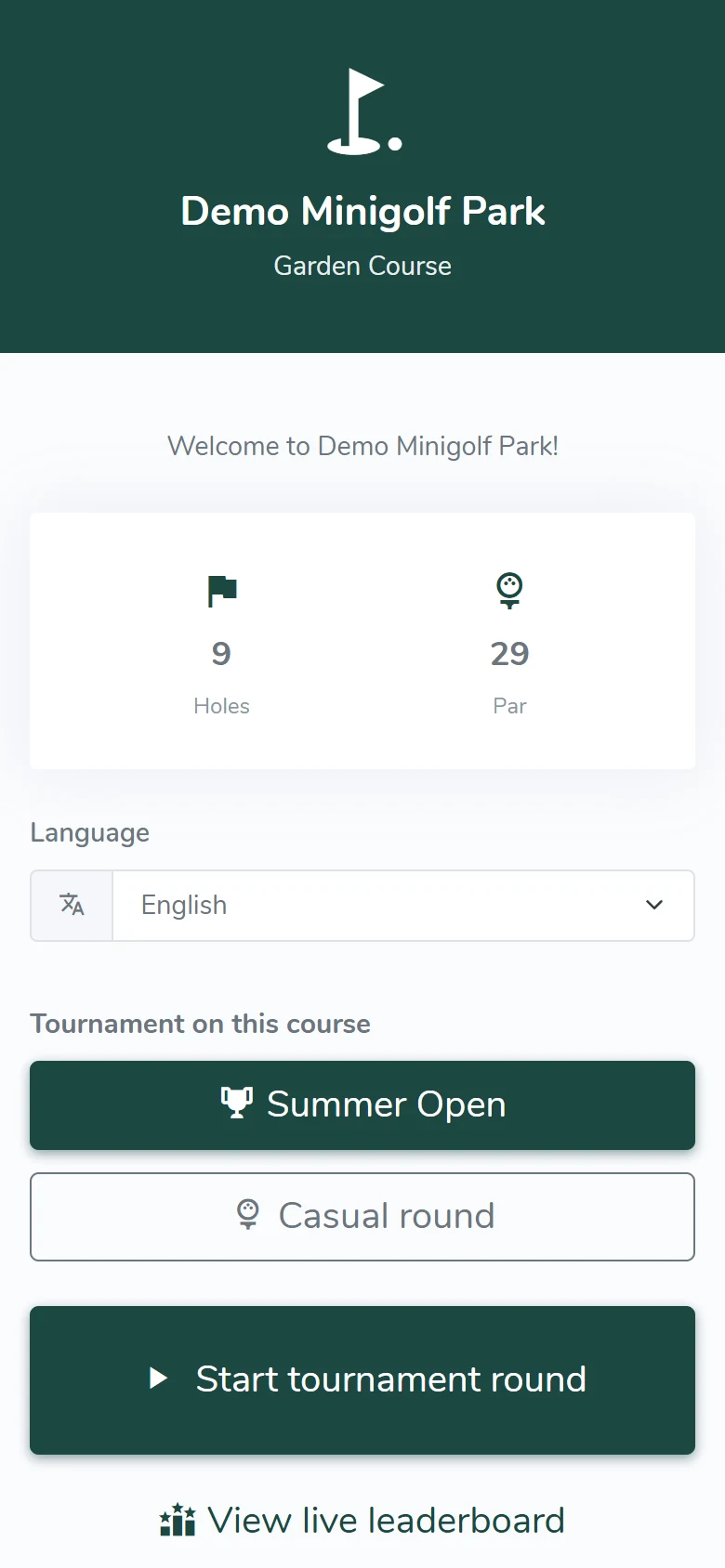
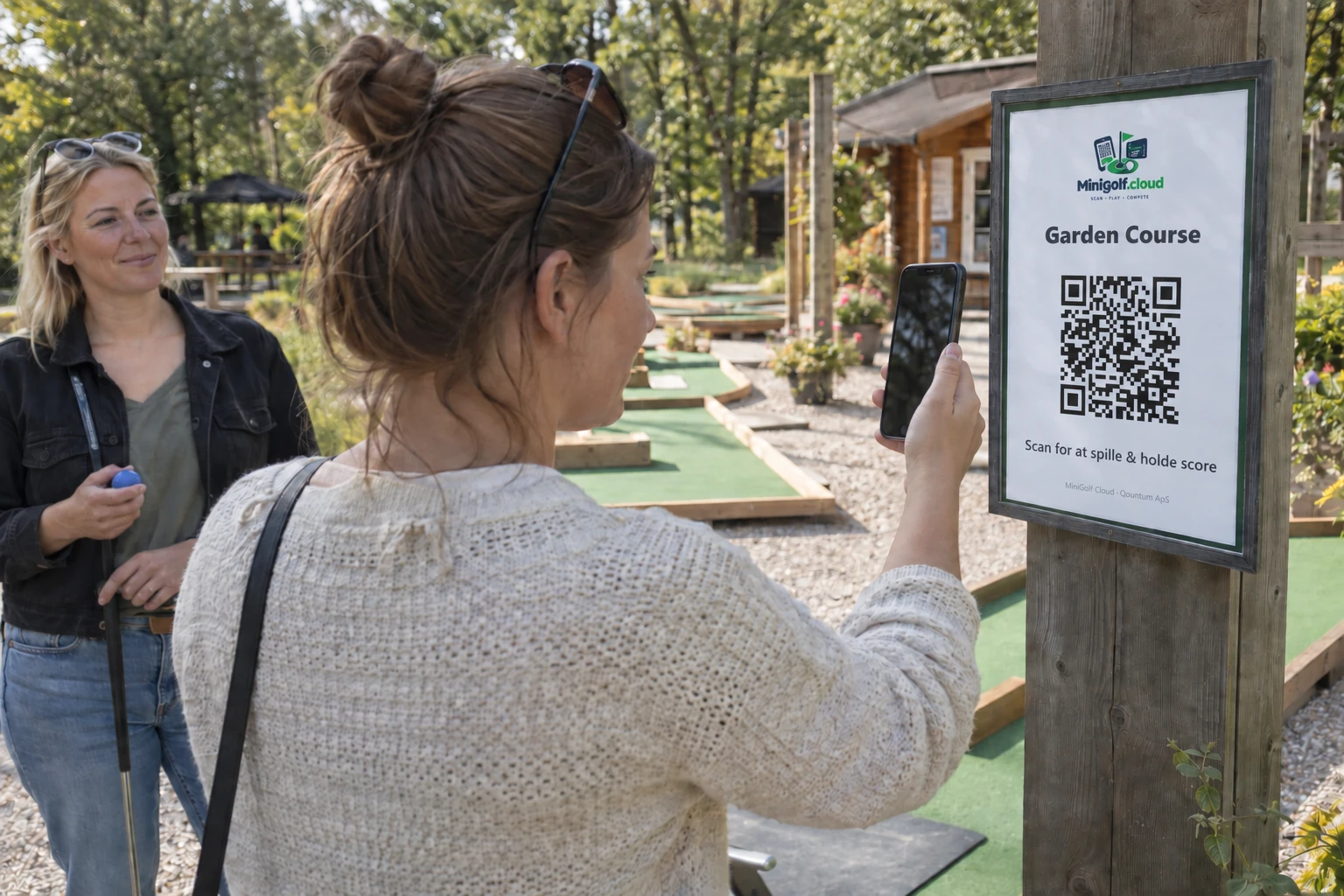
Scan the QR code
Guests open your course in their browser and choose a language.
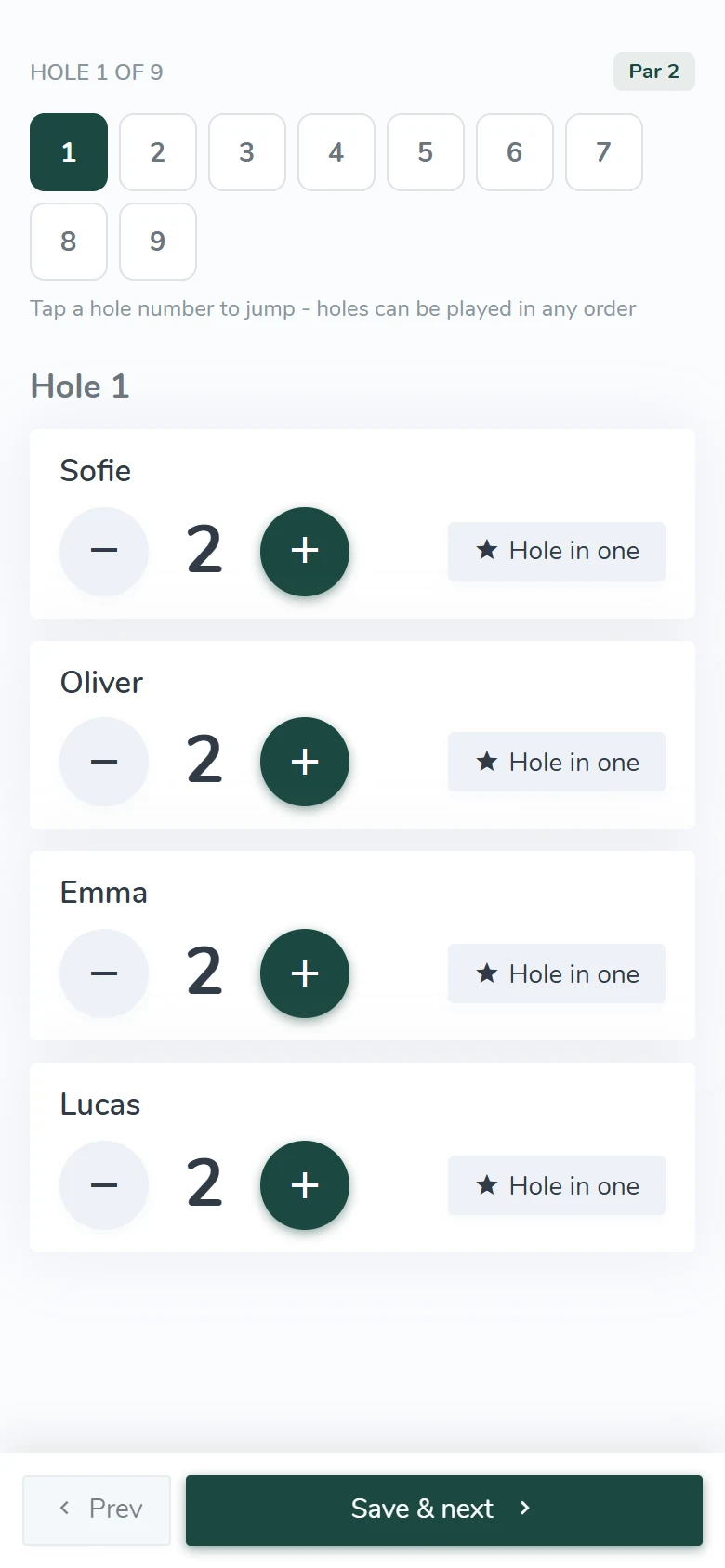
Set up the group
Enter player names and choose a casual round, family play or competition.
Play and see the scores
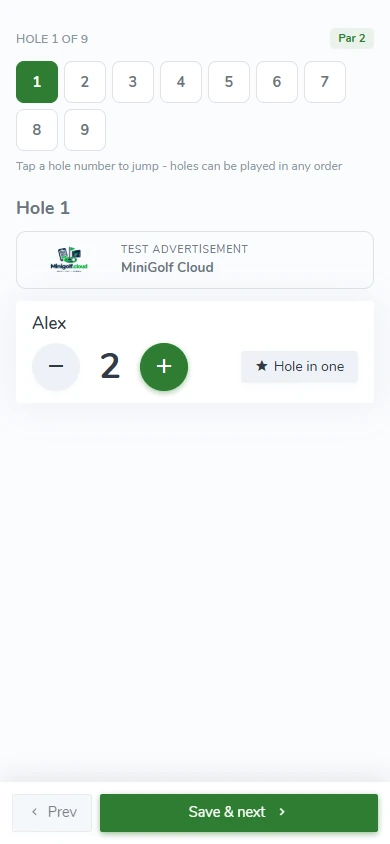
Save the strokes on each hole. The scorecard adds up the whole round.
HOW IT WORKS
From QR code to the first putt.
A QR code opens your course’s welcome page. No account, and no app to download first.
Try a scorecard
Scan the QR code
Play a round on the demo course.
Choose a language, create a group with sample names and see how strokes are recorded. The demo opens in a new tab.
Open the player demo →No app or player account
DAY-TO-DAY OVERVIEW
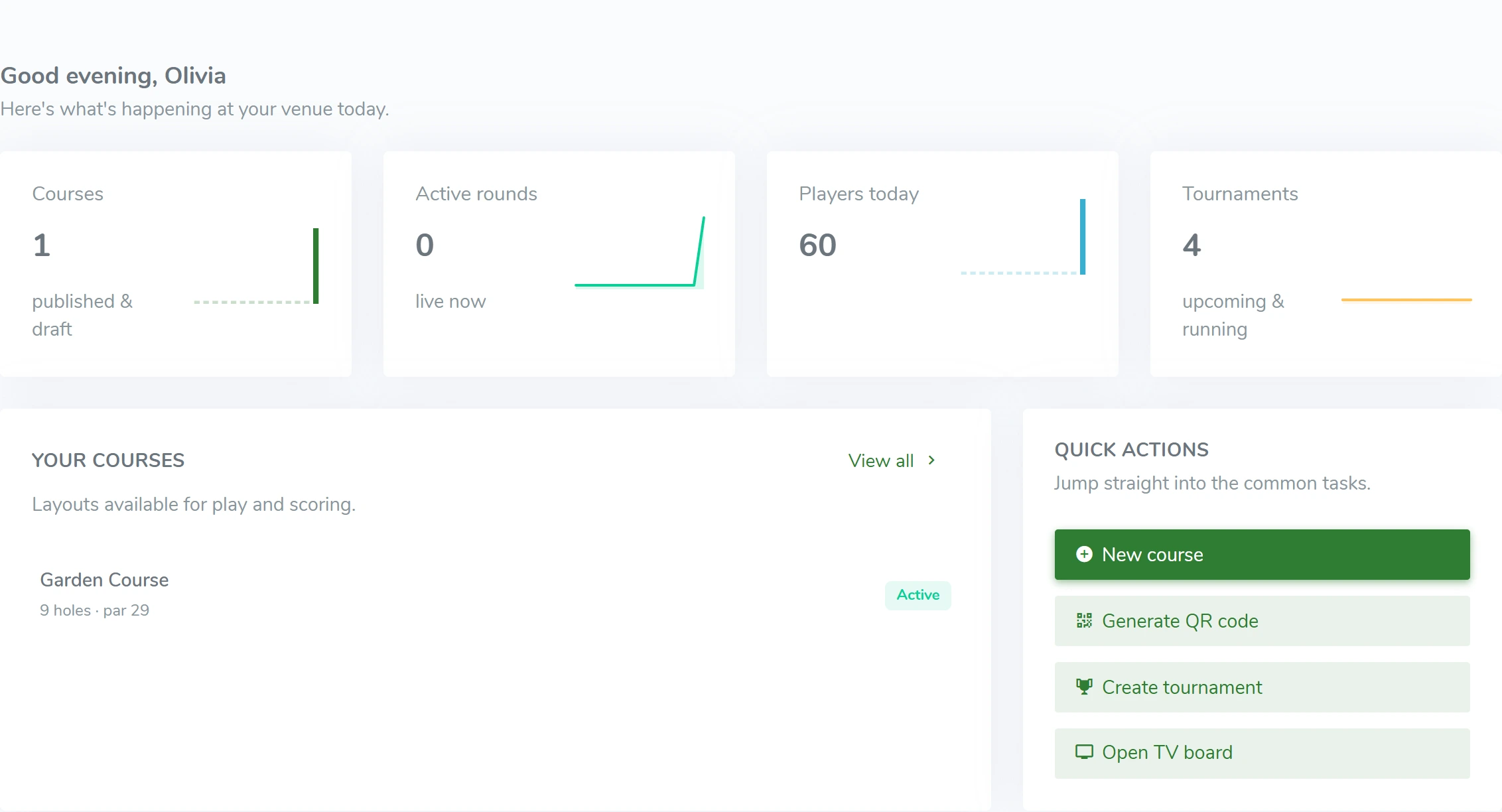
Follow today’s rounds.
Rounds are collected in the admin automatically. Find a scorecard, follow activity and see the scores guests have recorded.
- Filter by round status
- See players, strokes and start time
- CSV export for further analysis
LIVE LEADERBOARD & TV
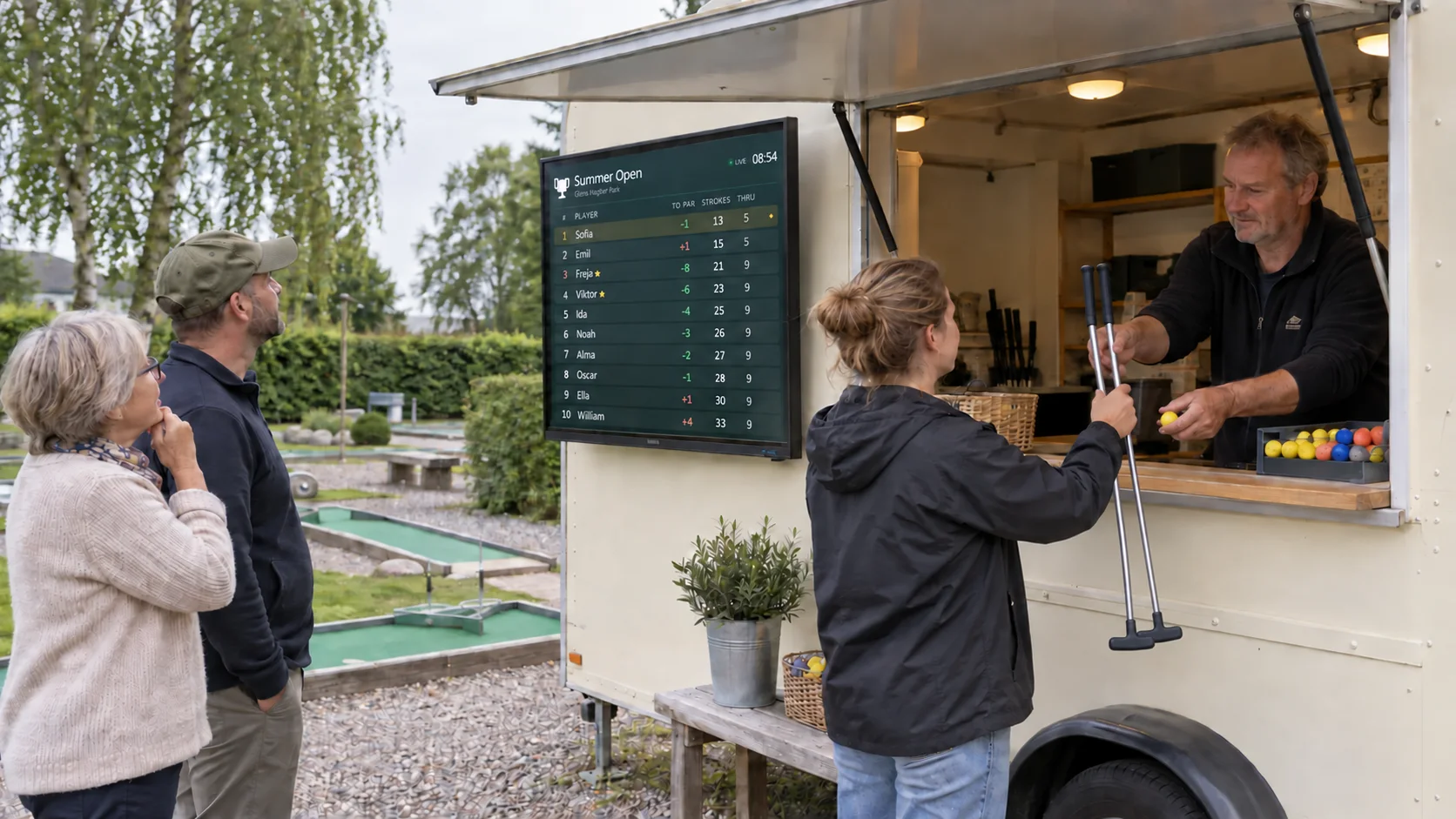
Let everyone follow
the race for first place.
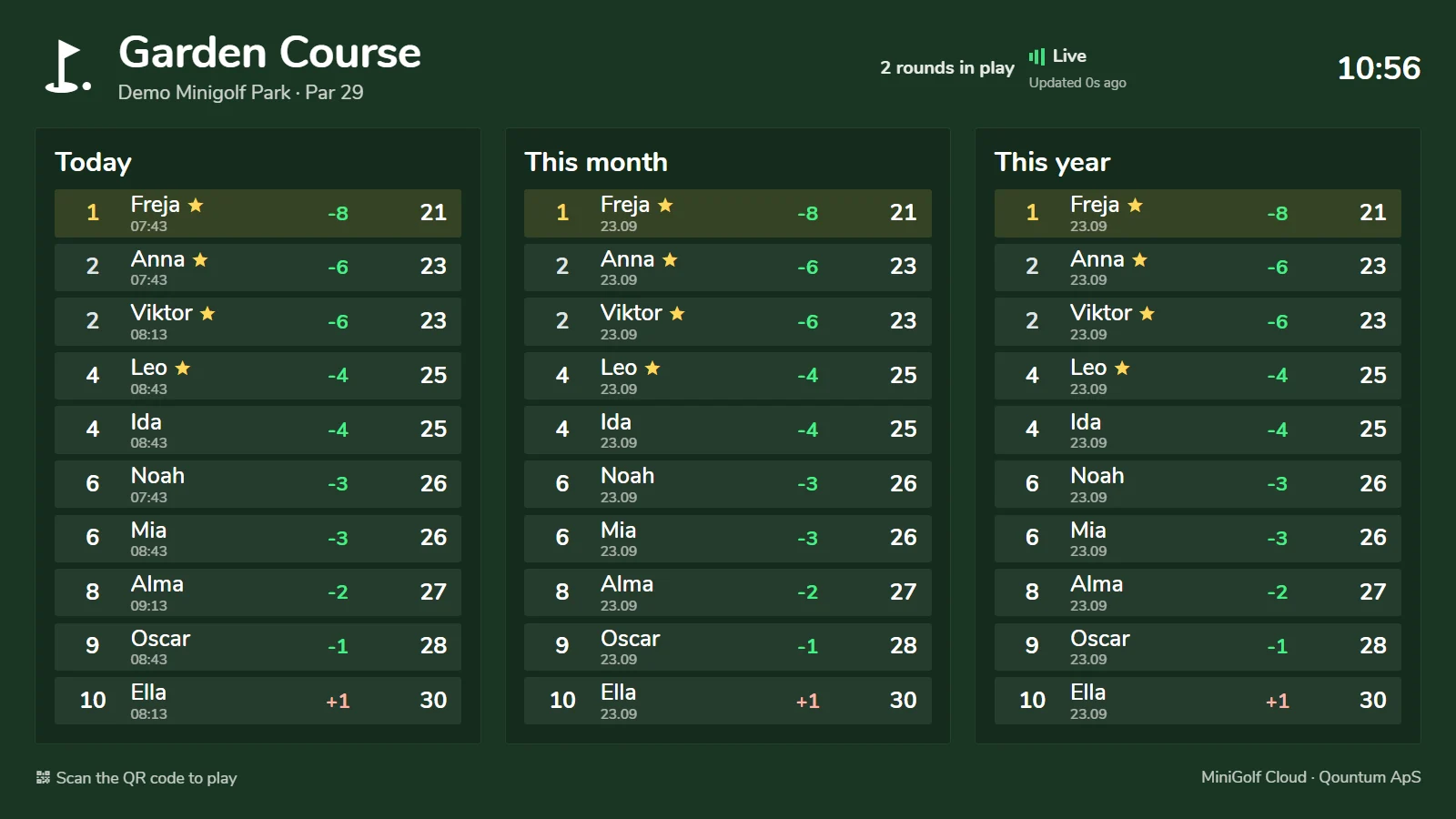
Show the leaderboard on a screen in the café, at reception or by the course. Results update while guests play.
- Boards for courses, tournaments and leagues
- Active and finished rounds
- Your name and colors on screen
Best scores today, this month and this year
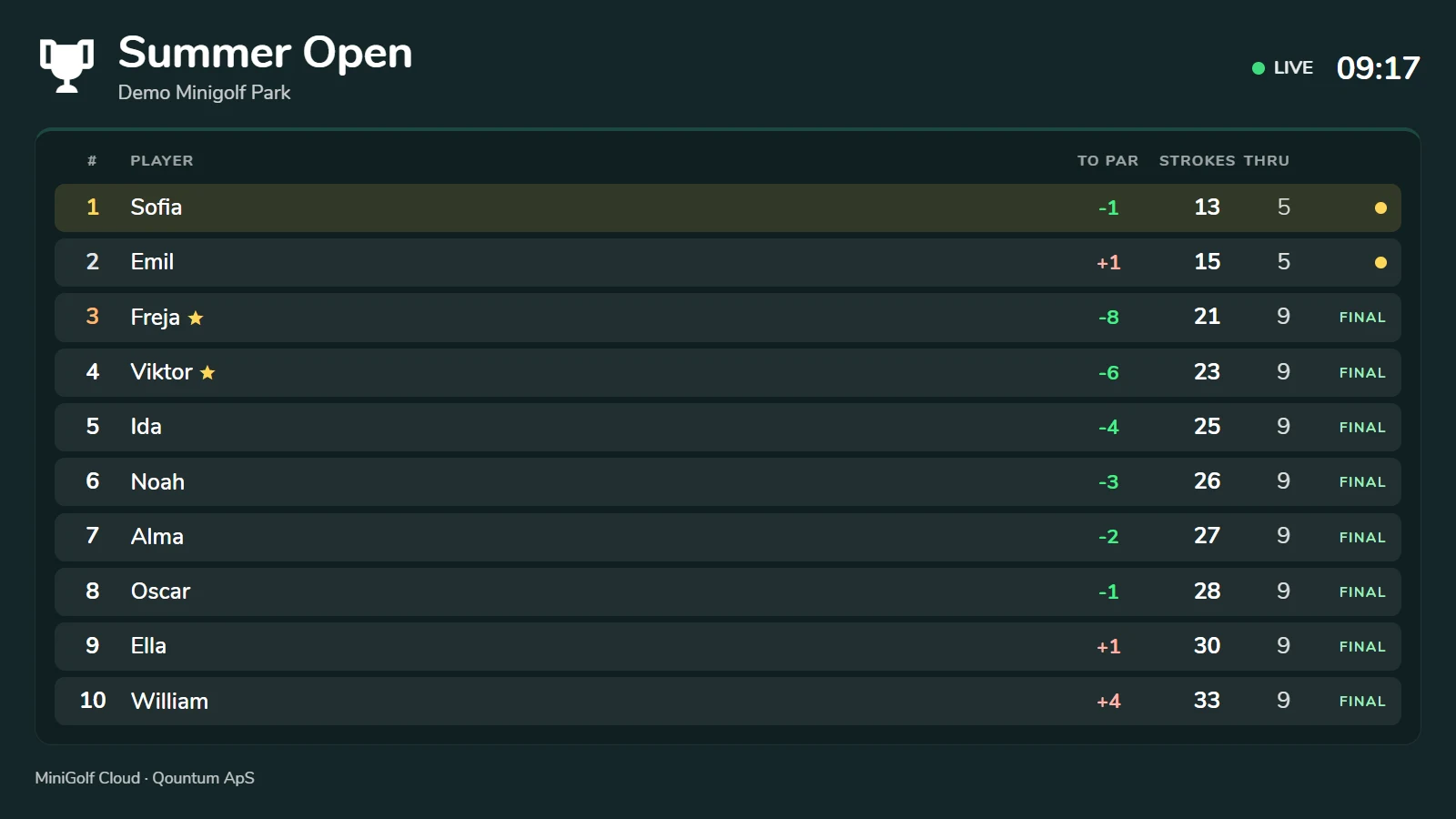
Tournament standings
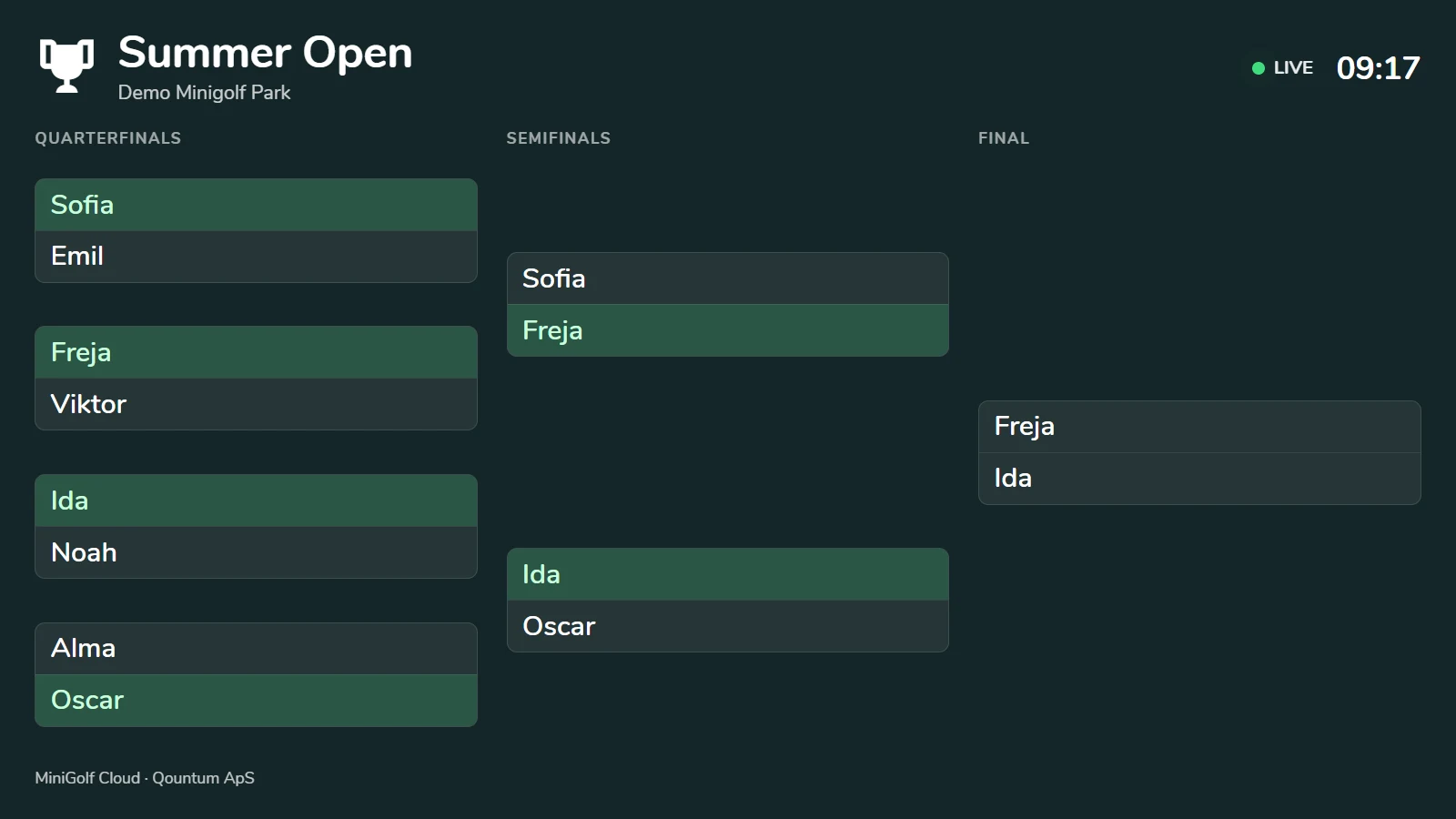
Knockout rounds from quarterfinals to final
ADVERTISING & SPONSORS
Make every round worth more.
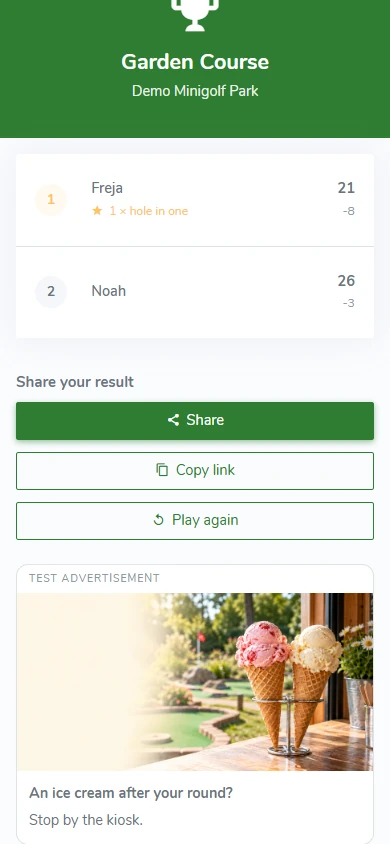
An ice cream after the last hole. Another round. A local business that supports your course. Use the player experience to promote offers and create sponsor spots that you sell and manage yourself.
- Show your own offers on the welcome page and after the round
- Give local businesses visibility as hole sponsors
- Choose your own images, text and links
WE HELP YOU GET STARTED
From your course to the first QR scan.
Create courses and holes, add your logo and welcome text, and print the QR signs. Play a test round on the course before guests start.
Start free trialWhat suits your venue?
Choose the billing that suits you: monthly or one year at a time. Prices are set in DKK and can be paid in your local currency. Danish customers pay prices including VAT. Businesses in other EU countries with a VAT number pay the same amount under the reverse-charge mechanism.
See the plans →QUESTIONS & ANSWERS
Good to know
before the first round.
Answers to the questions we are asked most often.
See all questions →
Do players need to download an app or create an account?
No. They scan the course’s QR code and open the scorecard in their phone’s browser. The group enters player names and chooses a game mode.
Can several players share one phone?
Yes. A scorecard holds up to 12 players. Strokes are recorded for each player on each hole.
Do we need internet on the course?
Yes. An internet connection is needed to open the scorecard, save strokes and follow the live leaderboard.
Can we use our own logo and colors?
Yes. You can set the logo, primary color, background and welcome text in the admin.
Which languages are available?
Danish, English, German, Swedish, Norwegian, French, Spanish, Italian, Dutch and Portuguese. The number of active languages depends on your plan.
MINIGOLF CLOUD
Try it free for 7 days
Create an account and confirm your email. Try your own course for 7 days without a payment card. Choose a plan and pay afterwards.
After the trial, access to your course pauses until payment is confirmed. Your setup is kept.