Skip to content
MINIGOLF CLOUD FEATURES
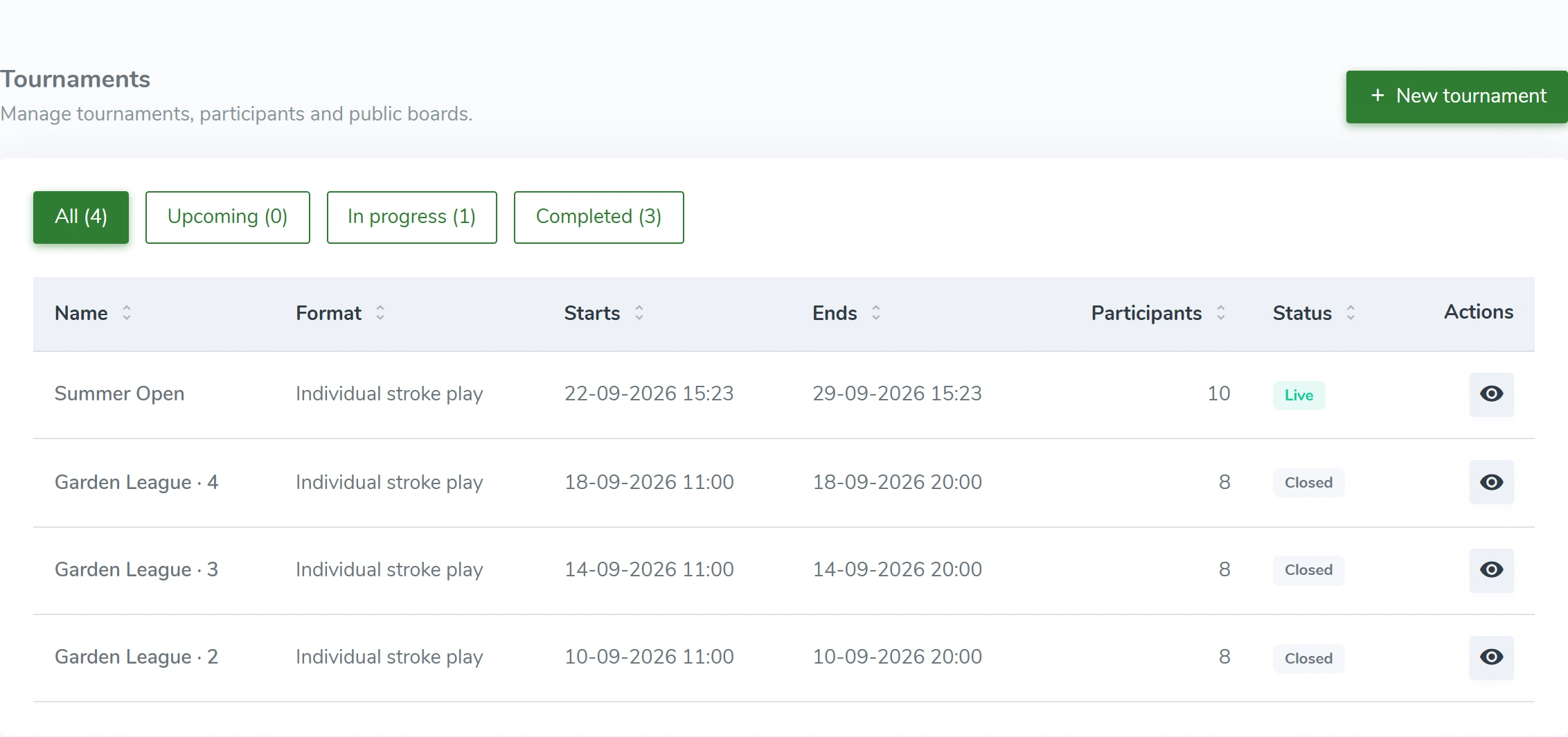
Tournaments and events
From a corporate event to an open tournament. Bring players into one competition and follow the results as they play.
What you can do
- Choose the course and time window
- Individual and team tournaments
- Split participants into divisions
- Control registration, start and finish from the admin
MiniGolf CloudDemo view
HOW IT WORKS
From the first scan to daily operations.
- 01
Courses and holes
Keep your course setup in one place. Set each hole’s par, difficulty and the information players need.
Courses and holes ↗
- 02
Tournaments and events
From a corporate event to an open tournament. Bring players into one competition and follow the results as they play.
- 03
Live leaderboards and TV screens
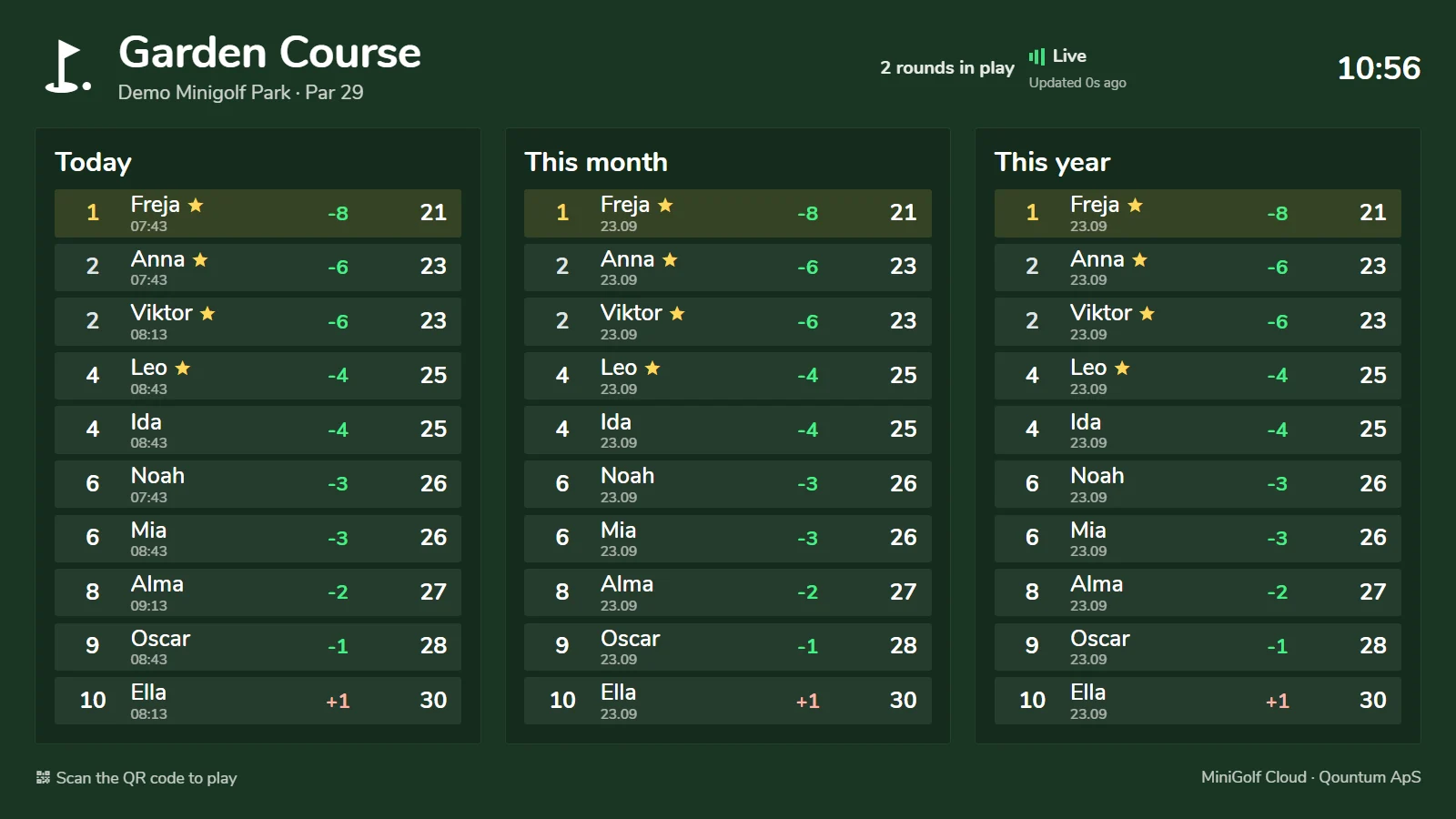
Show the leaderboard on a screen by the course, in the café or at reception. Follow active and finished rounds.
Live leaderboards and TV screens ↗
Best scores today, this month and this year
MiniGolf CloudDemo view
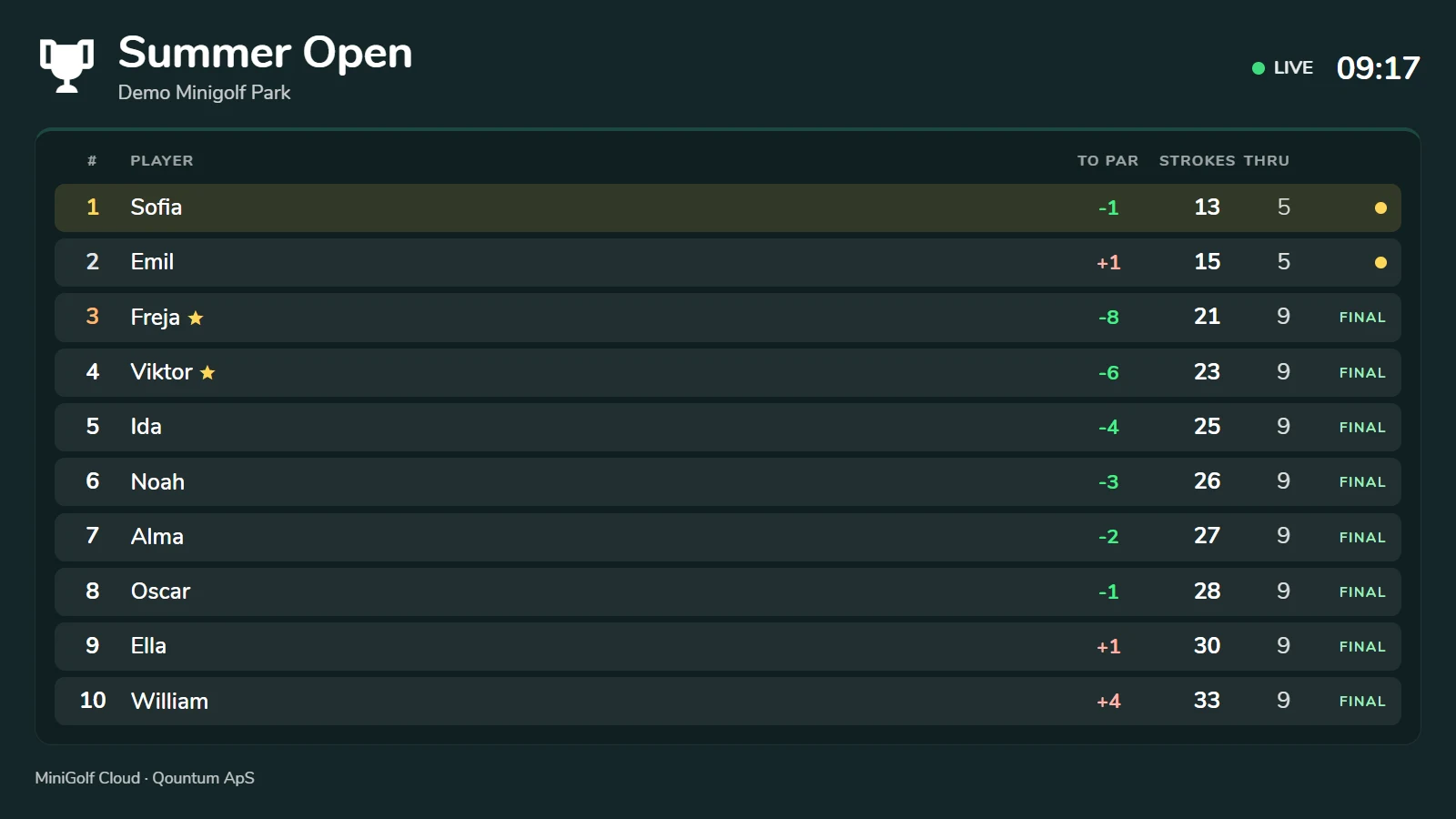
Tournament standings
MiniGolf CloudDemo view
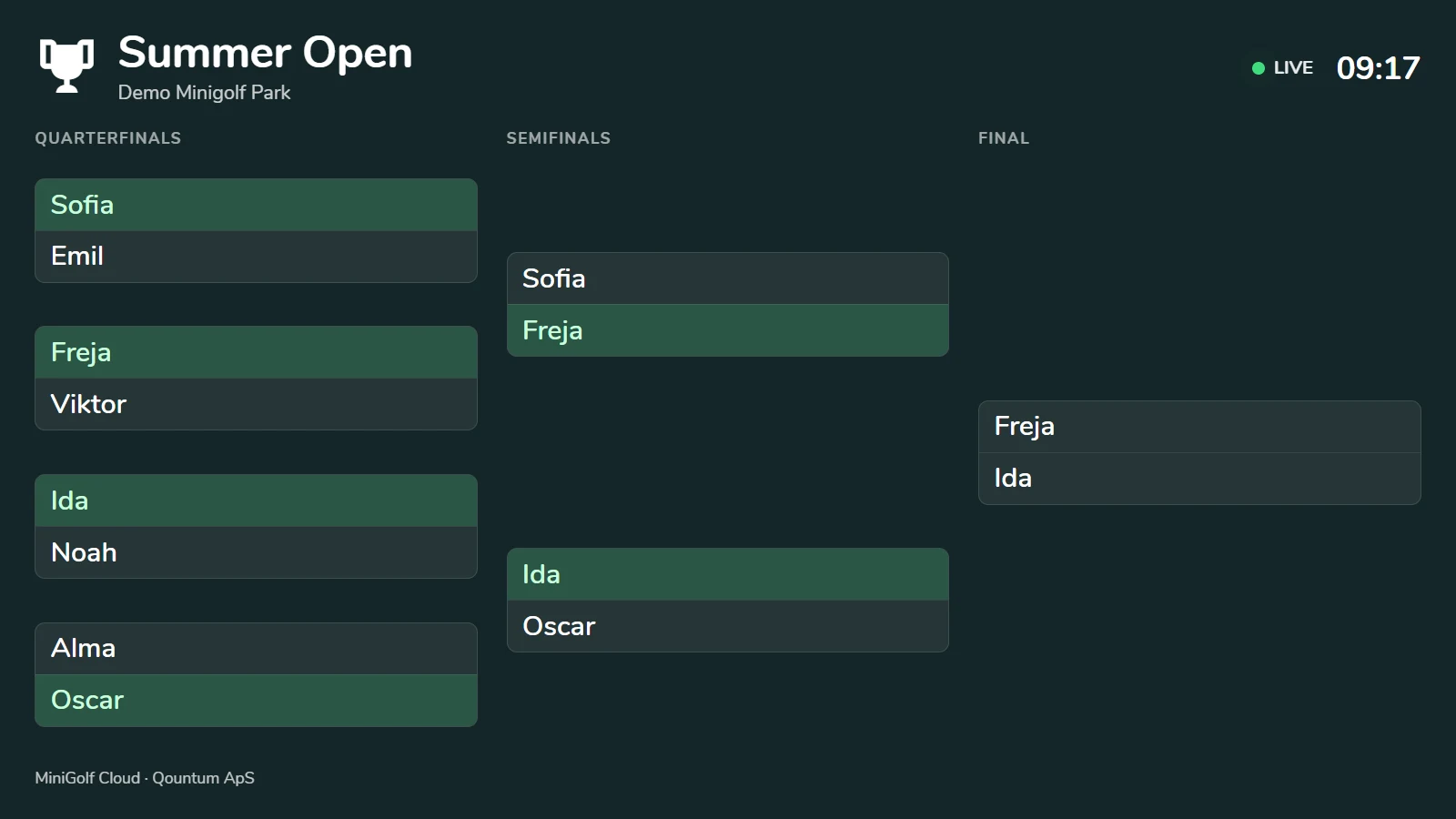
Knockout rounds from quarterfinals to final
MiniGolf CloudDemo view
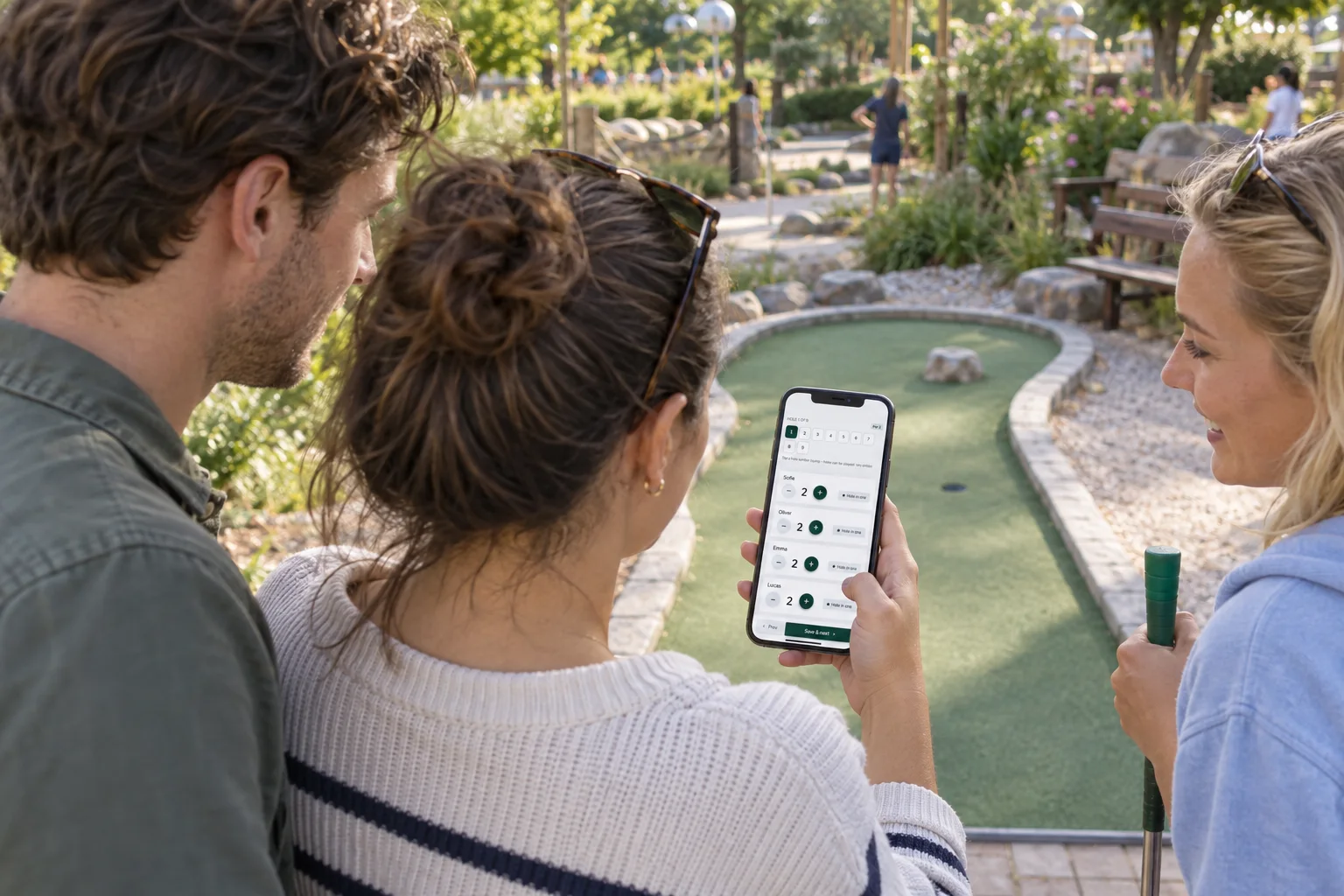 Recording strokes for the group on a phone · AI illustration
MINIGOLF CLOUD
Try it free for 7 days
Create an account and confirm your email. Try your own course for 7 days without a payment card. Choose a plan and pay afterwards.
After the trial, access to your course pauses until payment is confirmed. Your setup is kept.
Your cookie choices
We use necessary cookies. Analytics and marketing are optional and load only with your consent. Read the cookie policy