
What you can do
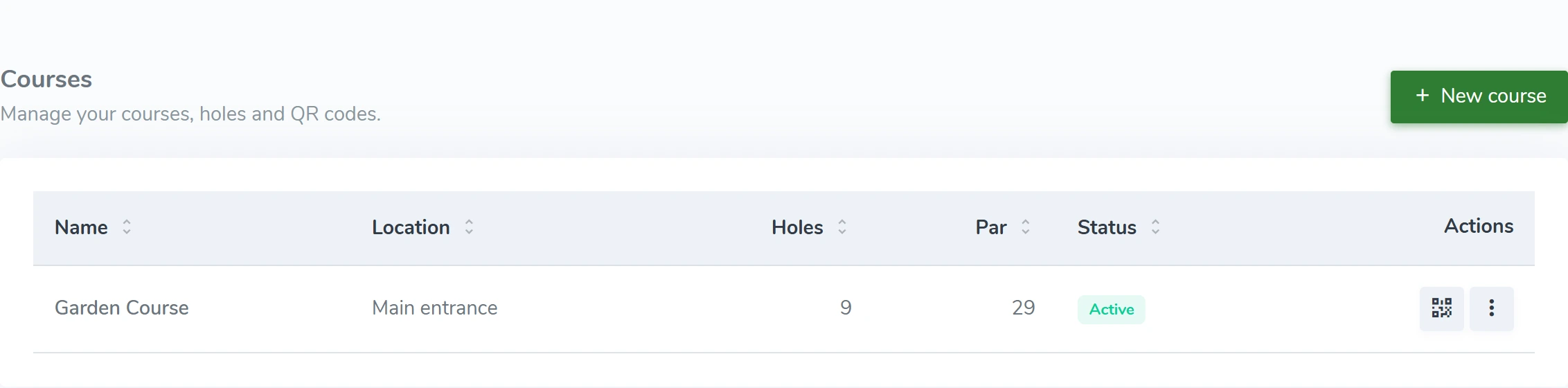
- Create and edit courses
- Set hole number, name, par and maximum strokes
- Hole descriptions and difficulty
- Activate the course when it is ready for guests
HOW IT WORKS
From the first scan to daily operations.
Courses and holes
Keep your course setup in one place. Set each hole’s par, difficulty and the information players need.
Your name. Your colors.
Guests see your course’s identity. Set your logo, colors and welcome text in the admin.
Your name. Your colors.Scan, choose a language, play
A QR code opens your course’s welcome page. No account, and no app to download first.
Scan, choose a language, play