
What you can do
- QR codes for courses and individual holes
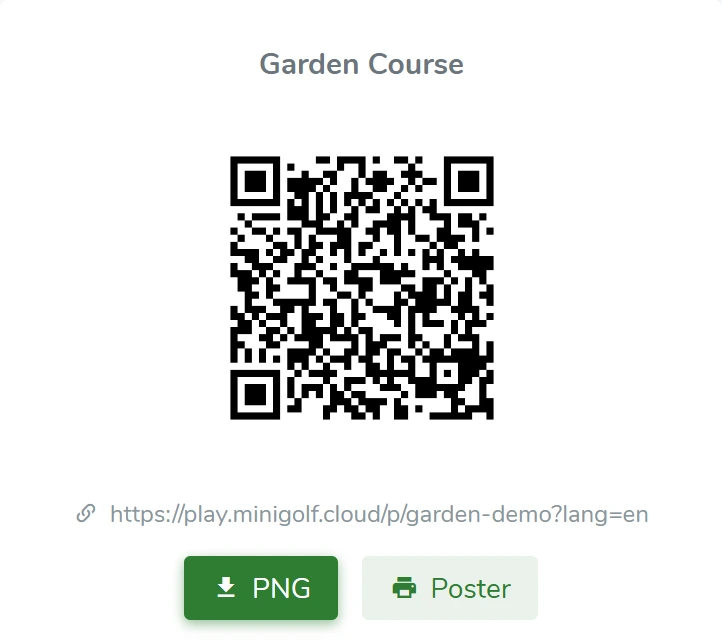
- Print signs for the course
- Guests choose a language before the round
- Start a casual round or join an open tournament
HOW IT WORKS
From the first scan to daily operations.
Courses and holes
Keep your course setup in one place. Set each hole’s par, difficulty and the information players need.
Courses and holesScan, choose a language, play
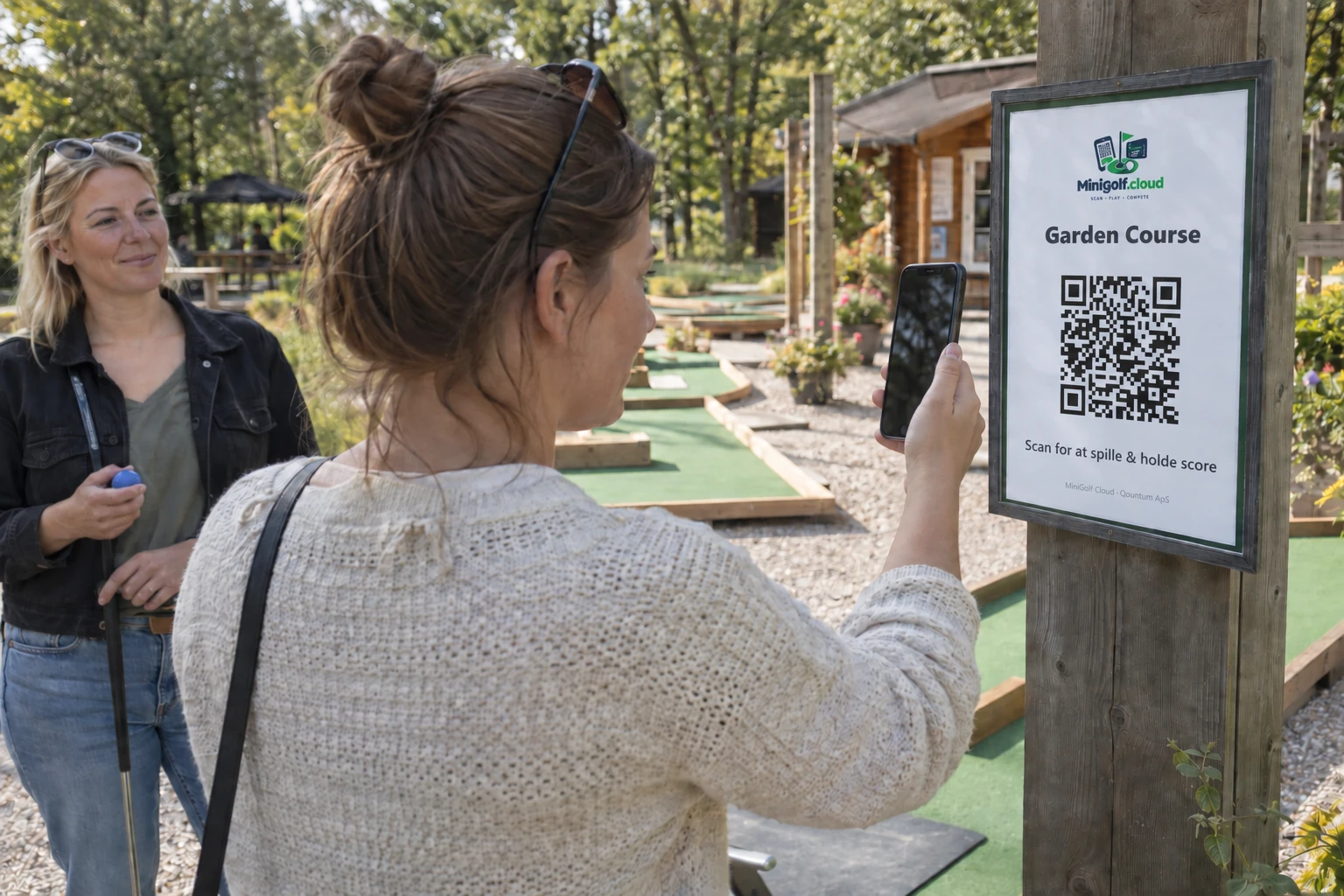
A QR code opens your course’s welcome page. No account, and no app to download first.
Digital mini golf scorecards
Guests enter their strokes directly on their phones. Choose a casual round, individual competition, family or team play.
Digital mini golf scorecards
FOR GUESTS
One QR sign works again and again.
A digital scorecard replaces the paper card the group would otherwise carry around. Print the QR sign for the course and let guests record strokes on their own phone.
Try a scorecard →