
What you can do
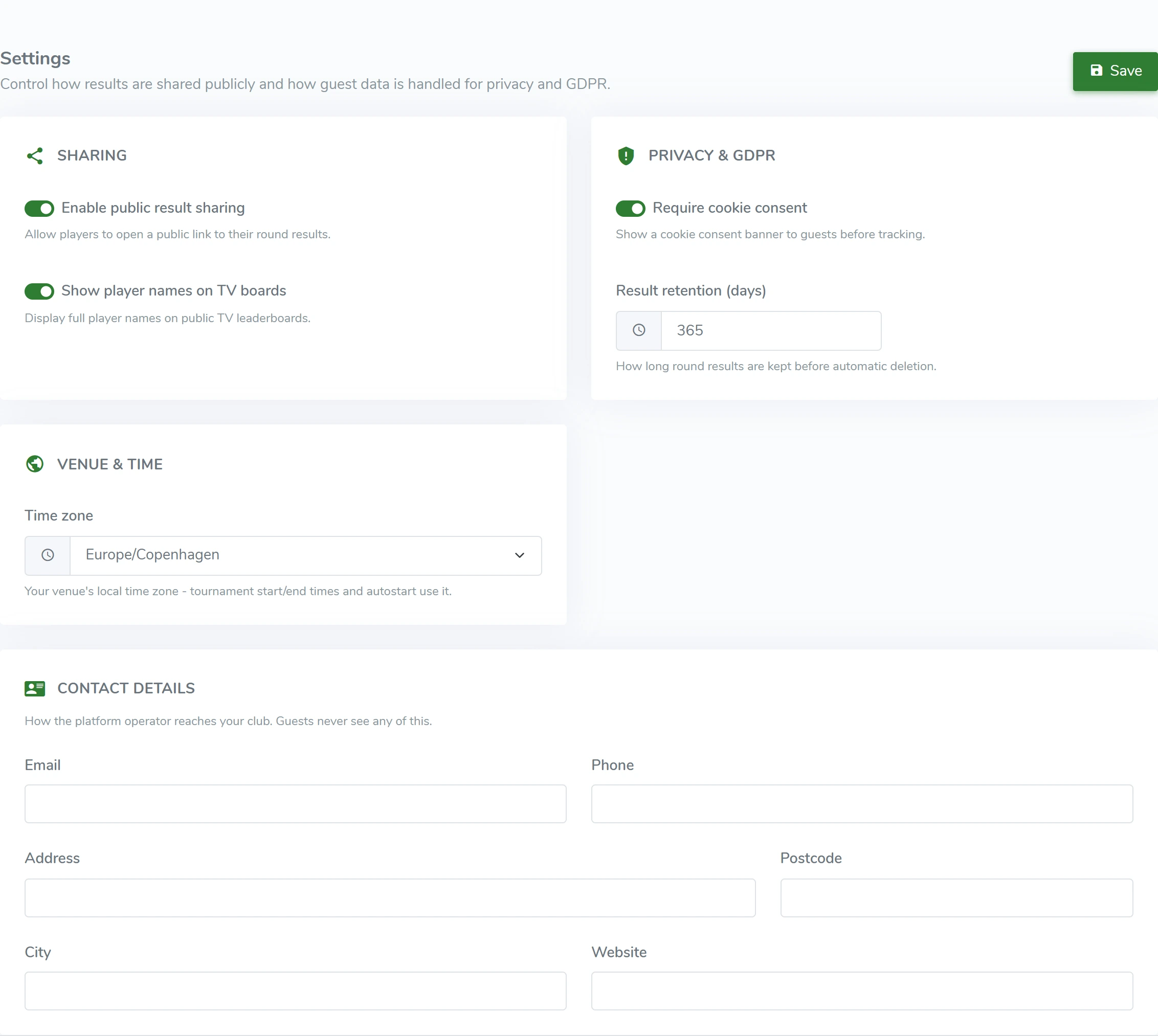
- Turn public sharing on or off
- Choose whether player names show on TV
- Set up cookie consent in the player experience
- Choose rules for sharing rounds
HOW IT WORKS
From the first scan to daily operations.
Your name. Your colors.
Guests see your course’s identity. Set your logo, colors and welcome text in the admin.
Your name. Your colors.Sharing and privacy
Choose how results are shared and whether player names appear on the TV leaderboard.
Live leaderboards and TV screens
Show the leaderboard on a screen by the course, in the café or at reception. Follow active and finished rounds.
Live leaderboards and TV screens