
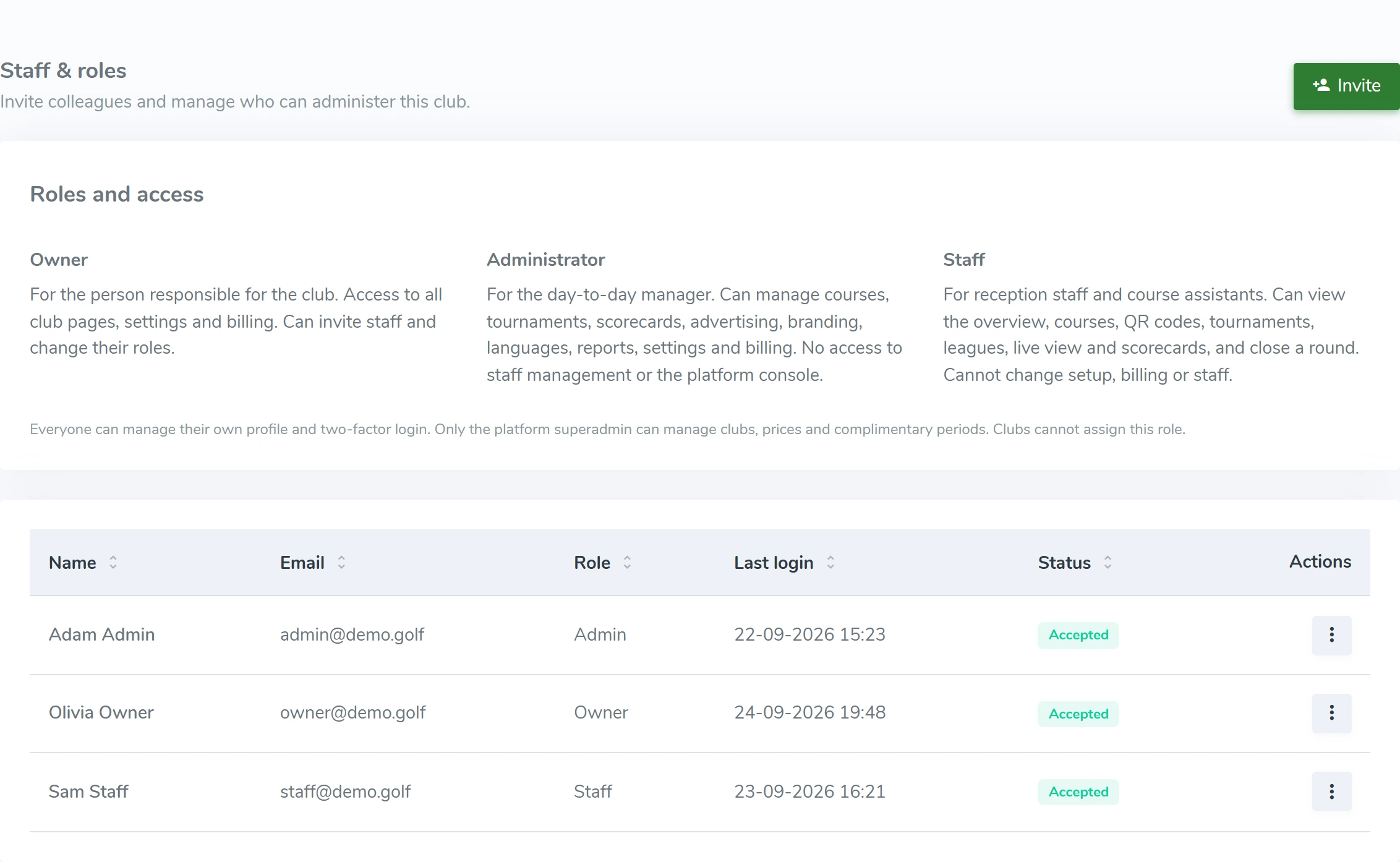
What you can do
- Invite staff
- Assign roles and permissions
- Manage profile and club settings
- Follow actions in the activity log
HOW IT WORKS
From the first scan to daily operations.
Staff access
Invite colleagues and give each person access that matches their tasks. See changes in the activity log.
Courses and holes
Keep your course setup in one place. Set each hole’s par, difficulty and the information players need.
Courses and holesAll rounds in one place
Browse active, finished and canceled rounds. Find a scorecard and see what the players entered.
All rounds in one place